Status
DayZ Cheat Status Checklist
What Live and Updating mean on /status — checklist before checkout and before every load.
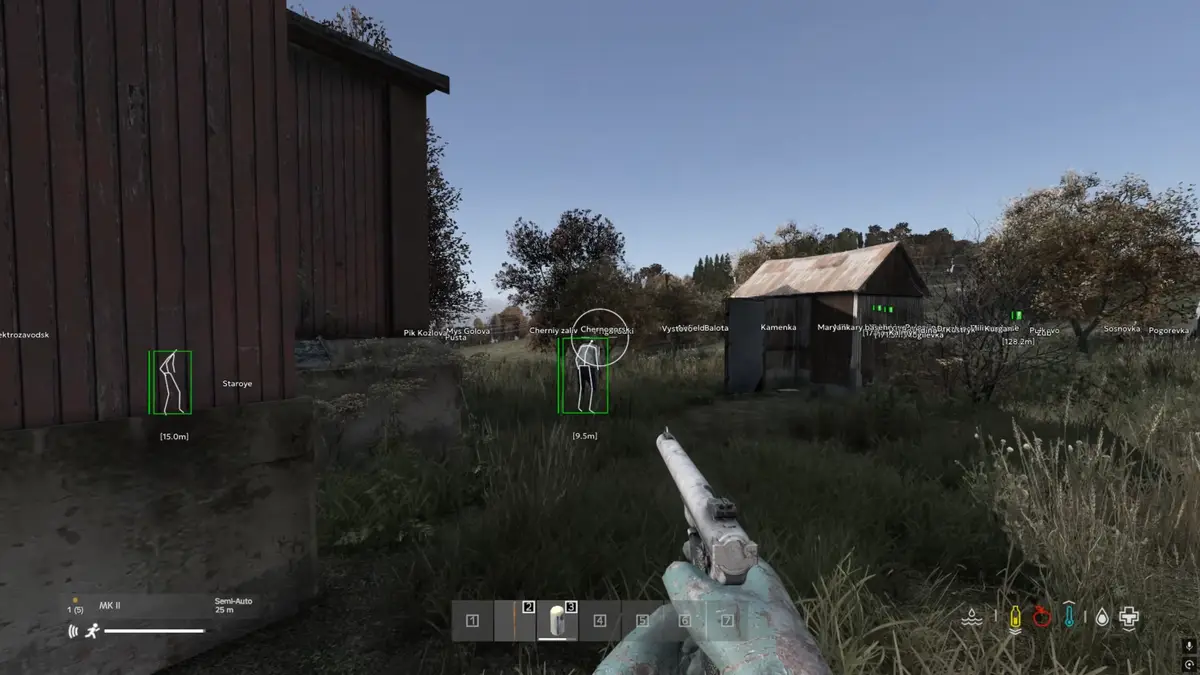
Sections in this guide
Before checkout
Open status. If Updating, you can still buy but should not load until Live returns.
Read BattlEye status for patch timing context.
Before every session
Re-read status after every DayZ or BattlEye patch before you connect. Updating means wait — loading anyway risks bans and wasted keys.
Spoofer and Cloud DMA have separate delivery; status page applies to main DayZ Cheats license.
Refunds
Extended Updating during an active license may qualify under Refunds — include order ID and status screenshots.
Product
Apply this Status guide
Check live status, then open DayZ Cheats license, HWID Spoofer, or Cloud DMA on the product hub. Need help? Read delivery & loader support or verified buyer reviews. Own the game via DayZ on Steam.