Setup
Complete DayZ Cheat Setup
Load order from checkout to Chernarus — status check, AV exclusions, loader, Steam and DayZ launch.
Sections in this guide
Quick checklist
Open status. If Updating after a BattlEye or DayZ patch, wait.
Run Windows setup and antivirus exclusions once per PC.
Download the current build from your dashboard after checkout for DayZ Cheats license.
Load order
Close DayZ and Steam completely before injecting when your delivery notes say so.
Run loader as administrator only if the guide requires it — unnecessary admin increases AV noise.
Launch Steam, then DayZ, then open menu with your hotkey once in main menu or as documented.
First server
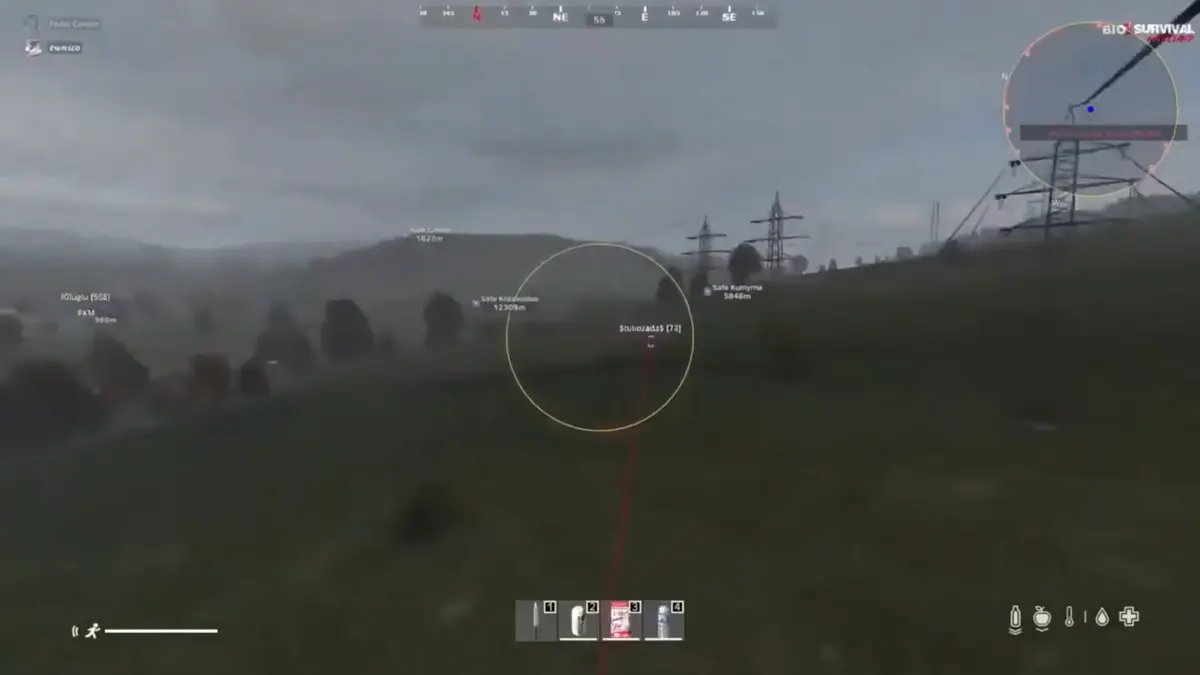
Join a low-pop community server to test ESP and loot filters before official high-pop.
If kick or BattlEye message appears, stop and read loader errors.
Checkout reminder
Open Products. If status is Live, complete checkout for DayZ Cheats or utilities, then follow delivery email steps.
Product